Lease events
An event is a key date on an agreement that someone needs to act on. PHAEMA creates most events itself from the agreement's terms, and keeps them up to date when the terms change.
| Event | Created from |
|---|---|
| Rent review | The next review date. |
| Break notice deadline | Each break option with a notice period. |
| Break date | Each break option. |
| Lease expiry | The term end. |
| Other | Added by hand with Add an event on the agreement page, for example a licence renewal or a repair deadline. |
Who an event is assigned to
Events are assigned to the managing surveyor of the agreement's premises. An administrator or the surveyor can reassign an event on its page.
Status and colours
| Colour | Meaning |
|---|---|
| Red | Overdue: the date has passed with no outcome recorded. |
| Orange | Due within 3 months. |
| Yellow | Due within 6 months. |
| Green | Later. |
| Grey | Completed or lapsed. |
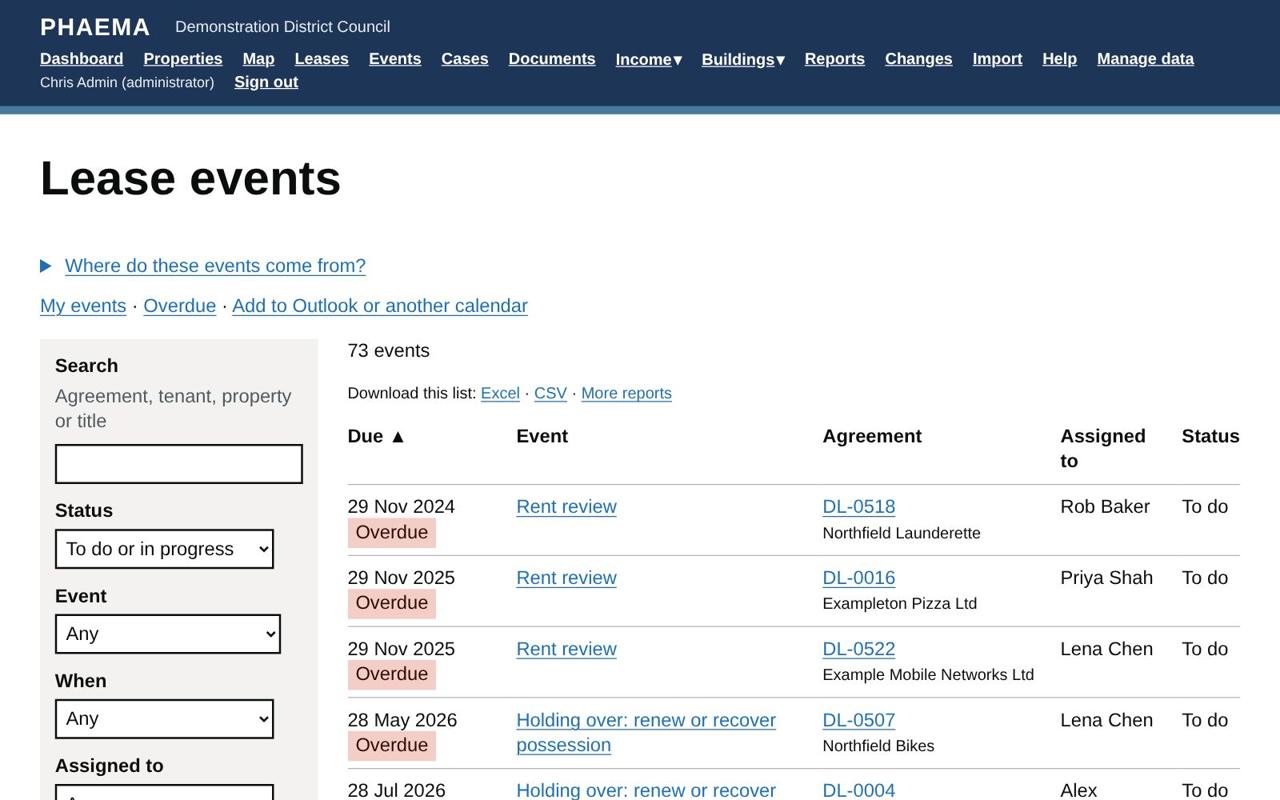 Lease events, with overdue items in red.
Events can be to do, in progress, completed or lapsed. Use the filters on the Events page to see, for example, your overdue events or everything due in the next 3 months.
Recording the outcome
Open the event and select Record the outcome. What PHAEMA asks for depends on the event.
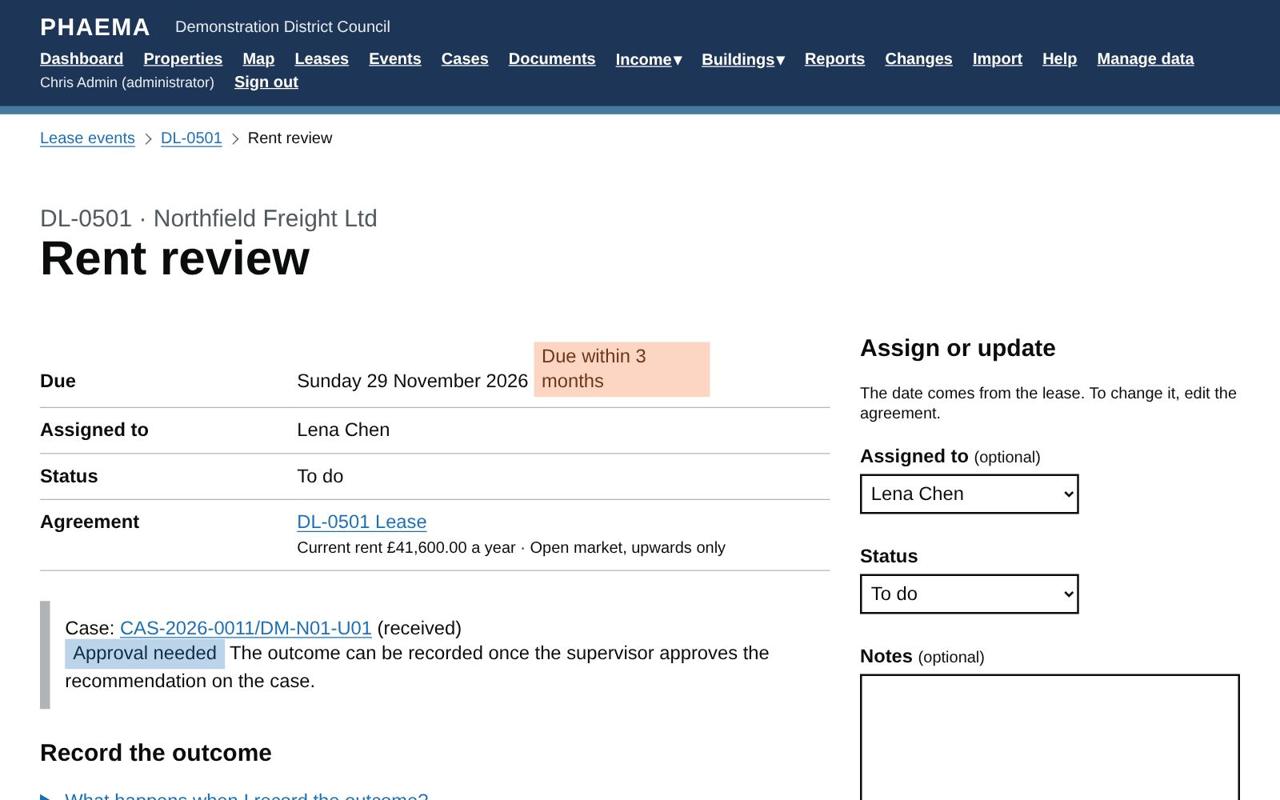 A rent review ready for its outcome.
Rent reviews
Enter the new rent, the date it takes effect and the next review date. The new rent is added to the rent schedule and the next review event is created. If the rent did not change, enter the same rent.
Breaks
For a break notice deadline, record either:
- Break notice served: the event is completed and the break date event stays open; or
- No notice served: the break lapses, and the break date event is closed too.
For a break date, record either:
- Break exercised: the agreement ends on the break date (its status becomes Ended); or
- Break not exercised: the event is closed and the agreement carries on.
Break dates and notice deadlines that pass without an outcome lapse automatically.
Expiries
Record one of:
- Tenant vacated: the agreement ends, on the expiry date unless you enter another date;
- Renewed: the agreement ends; record the new agreement separately;
- Tenant holding over: the agreement's status becomes Holding over and the event stays in progress until you record that the tenant has left or the lease has been renewed.
Other events
Mark the event completed (or no longer needed) and add notes.
Cases
PHAEMA opens a case for each rent review, break and expiry ahead of its date, to hold the work: notes, emails, tasks and documents. Recording the event's outcome closes the case.
Reminders
PHAEMA emails people about their upcoming and overdue events, and events can appear in Outlook. See reminders and calendar.
Worked example
Northfield Packaging's lease (DL-0502) has a tenant's break. Six months before the break date, PHAEMA shows a break notice deadline event, assigned to Lena Chen. If the tenant serves notice, she opens the event, selects Record the outcome and chooses Break notice served: the break date event stays open. If no notice arrives by the deadline, she records No notice served (or lets it lapse): the break date event closes too, and the lease runs on to its rent review and expiry.