PHAEMA manual · Running PHAEMA
Change log
Every time a record is added, changed or deleted, PHAEMA records who did it, when, and the old and new values. This includes changes made in Manage data, by outcomes on events, and by imports.
The change log cannot be edited or deleted, by anyone. It supports the council's audit trail, and the Golden Thread of information for buildings.
Seeing changes
- Select Changes in the menu for every change, newest first. Filter by who made it. Imports are logged under the name of the administrator who confirmed them. Changes made by PHAEMA's daily tasks or by command-line scripts show as System.
- Each property page has a History section with the changes to that property.
- Select a change to see every field that changed, with old and new values.
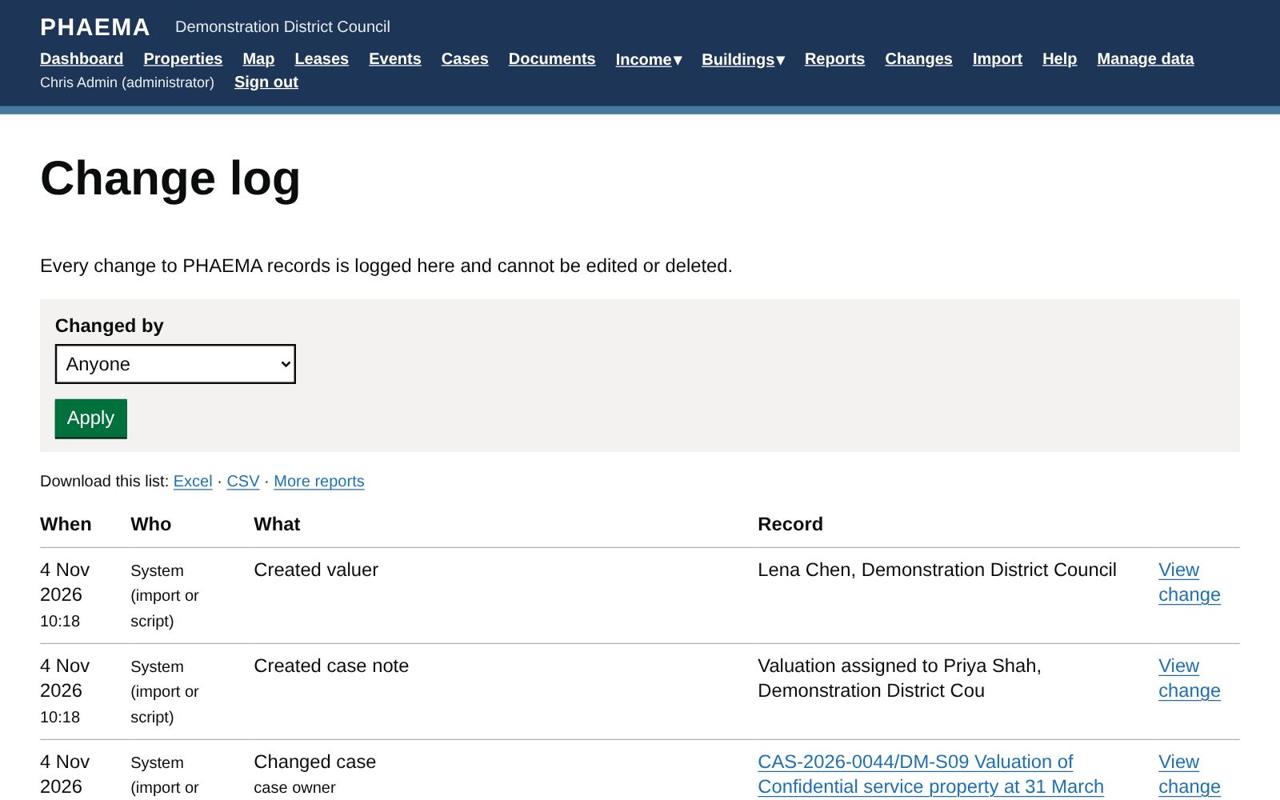 Every change, with who and when.
Download the change log to Excel or CSV from the Changes page, or build a report on it.